 UnityPilot
Build Unity games by just asking.
Describe the game you want. UnityPilot drives Unity for you, building the scene, writing the C#, and fixing its own bugs, then hands you a game that runs. You never open the editor.
npx -y unitypilot
 Claude Code
 Unity
Unity
 Node
Node
 macOS
MCP
macOS
MCP

The whole Unity loop,
handled.
Tell it what you want in plain English. UnityPilot handles the clicking, the scripting, and the debugging, so you just watch your game come together.
Get started →Hover a card to open it →

Sets Unity
up for you
Finds and installs the right Unity for your Mac, then opens your project. No Unity Hub, no setup rabbit holes.
Builds your
scene, live
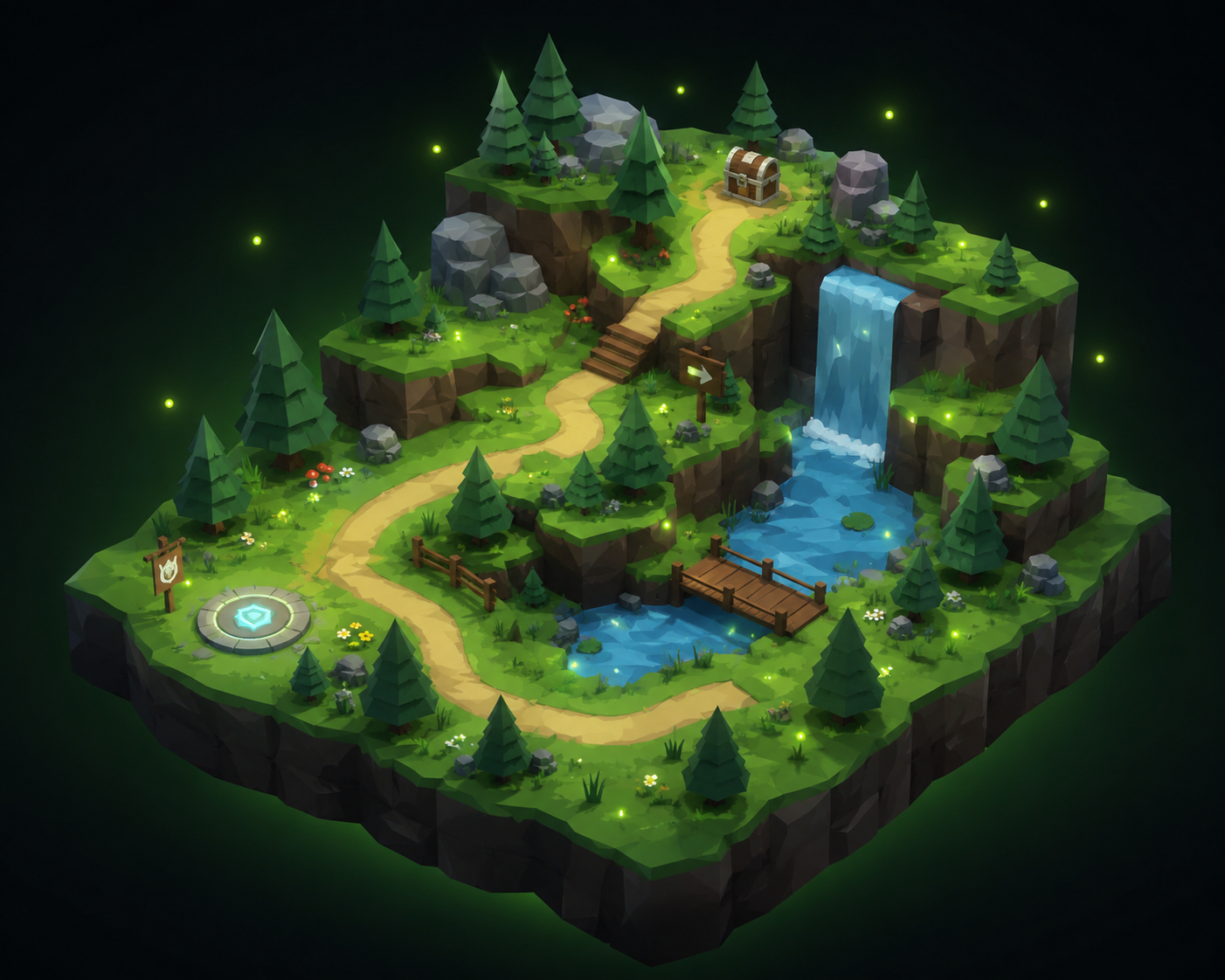
Objects, cameras, lighting, and layout, all dropped into a real Unity scene you can watch take shape, live. No dragging, no clicking.
Writes the
game code
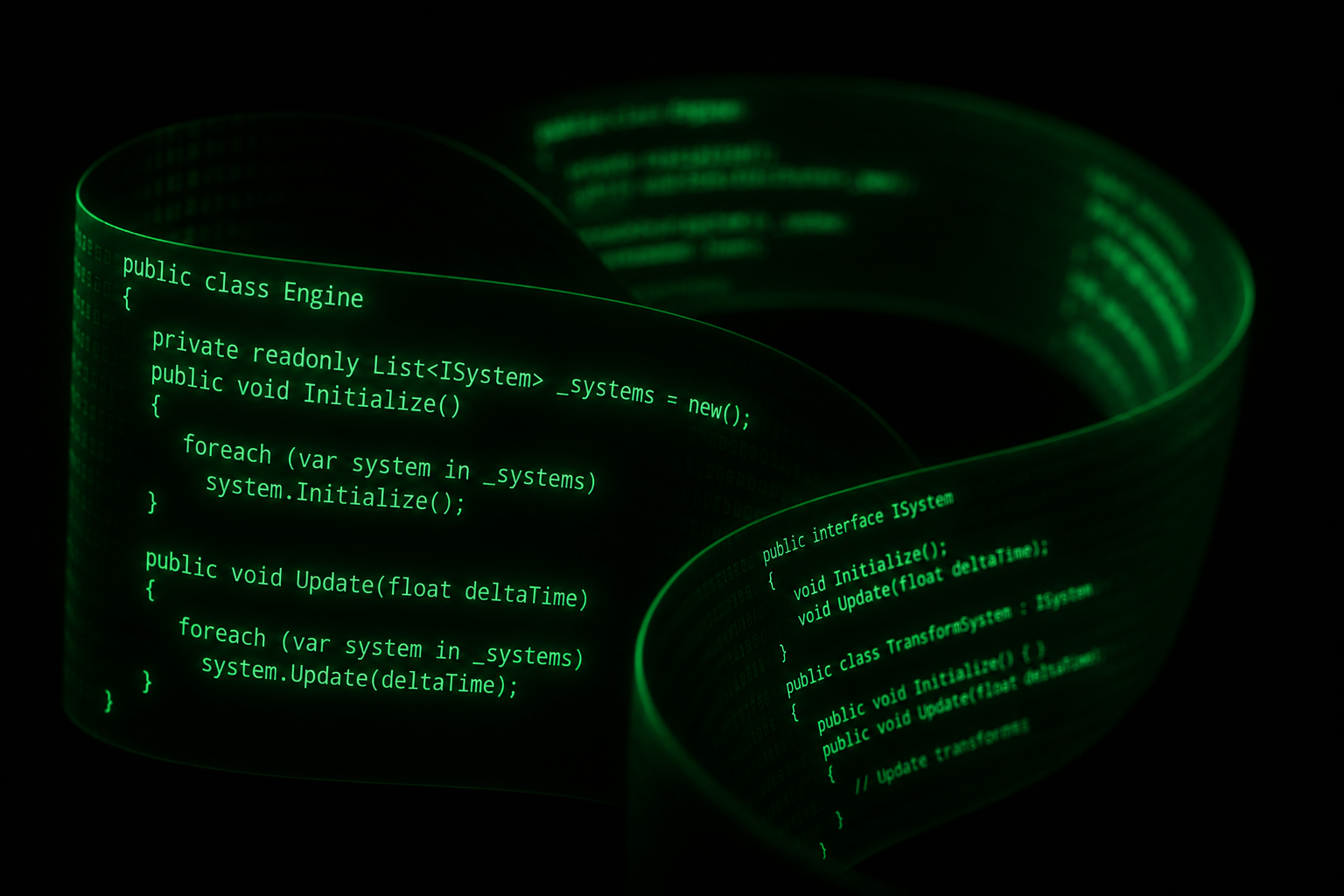
Real, compiled C# wired straight to your objects: movement, jumps, scoring, and the rules that make it a game.

Fixes its
own bugs
Hit a compile error? It reads the console, finds the exact line, rewrites the script, and recompiles until everything runs clean.
From a sentence
to a scene.
One prompt kicks off the whole pipeline. UnityPilot runs each step for you, and loops back to fix itself if something breaks.
It fixes its
own code.
Most AI tools hand you code and wish you luck. UnityPilot sticks around until it actually runs, watching every compile and fixing whatever breaks.
Hit a compile error? It fixes it itself.
It reads the console, finds the exact file and line, edits the script, and re-runs until it's clean. You just see "done."
Get started.
If you already use Claude Code, you're basically there. One line of config, then just ask.
Drop the snippet into your .mcp.json, or just run npx -y unitypilot.
Reconnect so it picks up UnityPilot. No Unity windows to wrangle.
Describe the game you want. UnityPilot handles the Unity side and reports back with a result you can play.
Good questions.
The things people ask before they try it. Short answers, no fine print.
Do I need to know Unity?
No. You describe what you want in plain English and UnityPilot does the Unity work: installing the editor, building scenes, and writing the C#. Knowing Unity helps you steer, but it isn't required.
Is it free?
Yes. UnityPilot is open source under MIT, and it runs on Unity's free Personal license. You just bring Claude Code and Node.
What can it actually build?
Prototypes and small 2D/3D games: player movement, cameras, spawners, simple UI, and game rules. It's great at getting a playable first version fast, then refining it on your feedback.
Does my code stay mine?
Completely. Everything lands in your own Unity project as normal C# and scenes, with no lock-in and no proprietary format. Open it in the editor any time.
What if it writes broken code?
It catches its own compile errors, reads the console, and rewrites the script until the project builds clean, so you don't have to babysit it.
Windows or Linux?
macOS only for v1 (Apple Silicon & Intel). Windows and Linux support is open for contributors on GitHub.